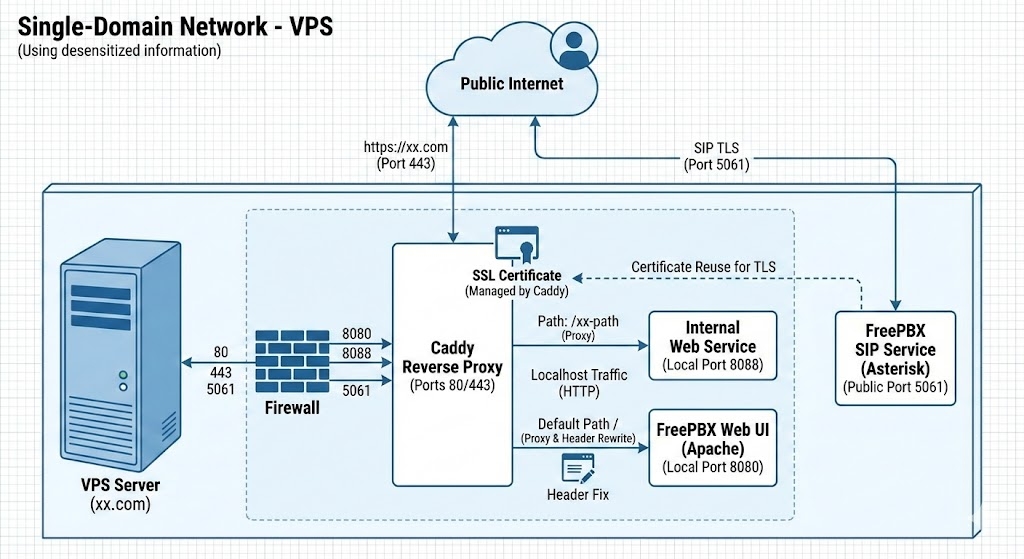
Environment: a VPS running Caddy as the web server, FreePBX (Asterisk/Apache), and a separate internal web service. Domain: xx.com (used here as a stand-in).
The goal#
Run FreePBX and another internal web service on the same VPS, with Caddy in front as the reverse proxy, so that: Caddy listens on the standard 80/443 ports and handles HTTPS for everything; requests to a specific path get routed to the internal web service (port 8088), while everything else at the root path goes to FreePBX (port 8080); and FreePBX’s SIP traffic (port 5061) reuses the certificate Caddy already obtained for TLS.
The problems#
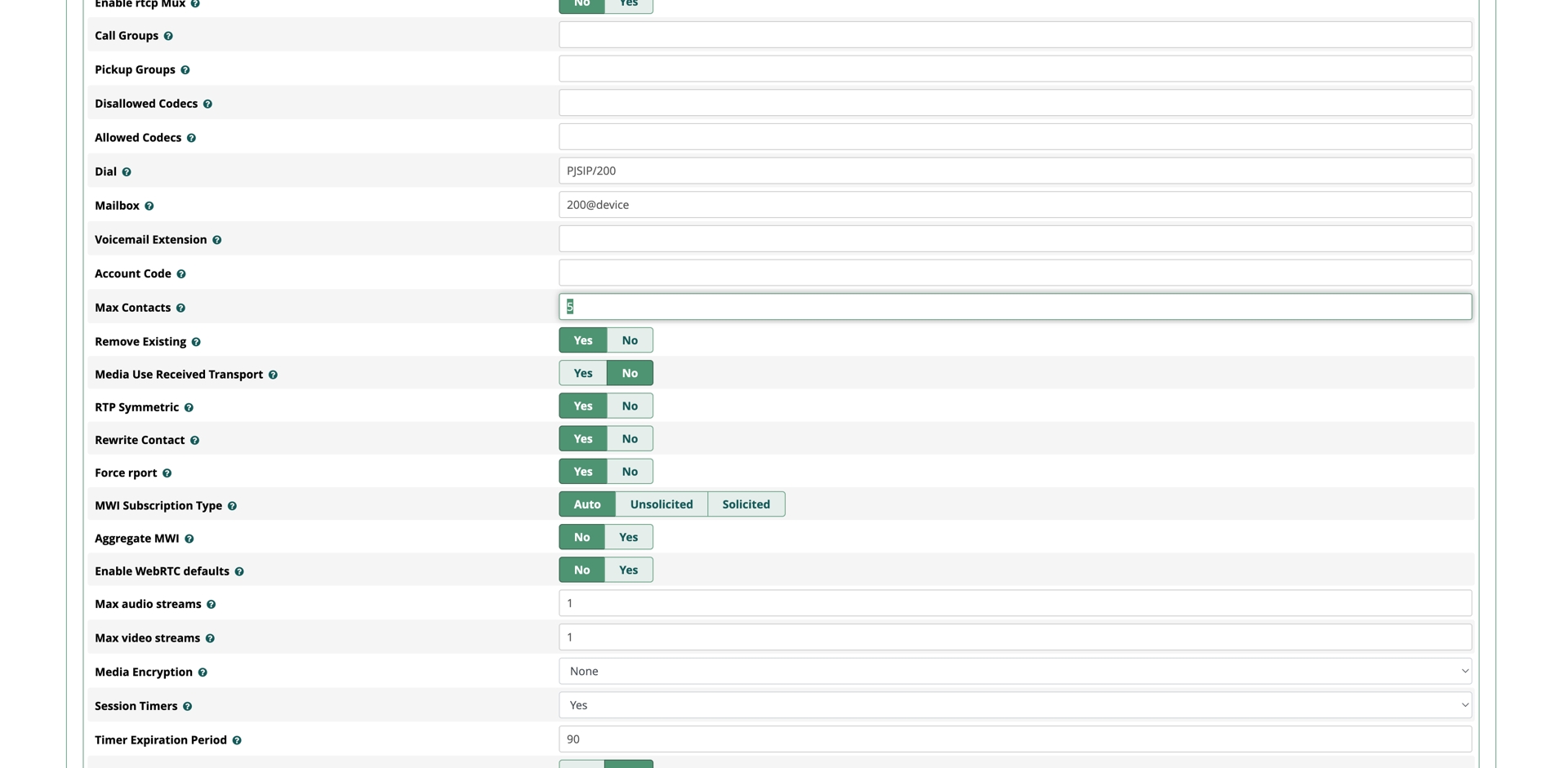
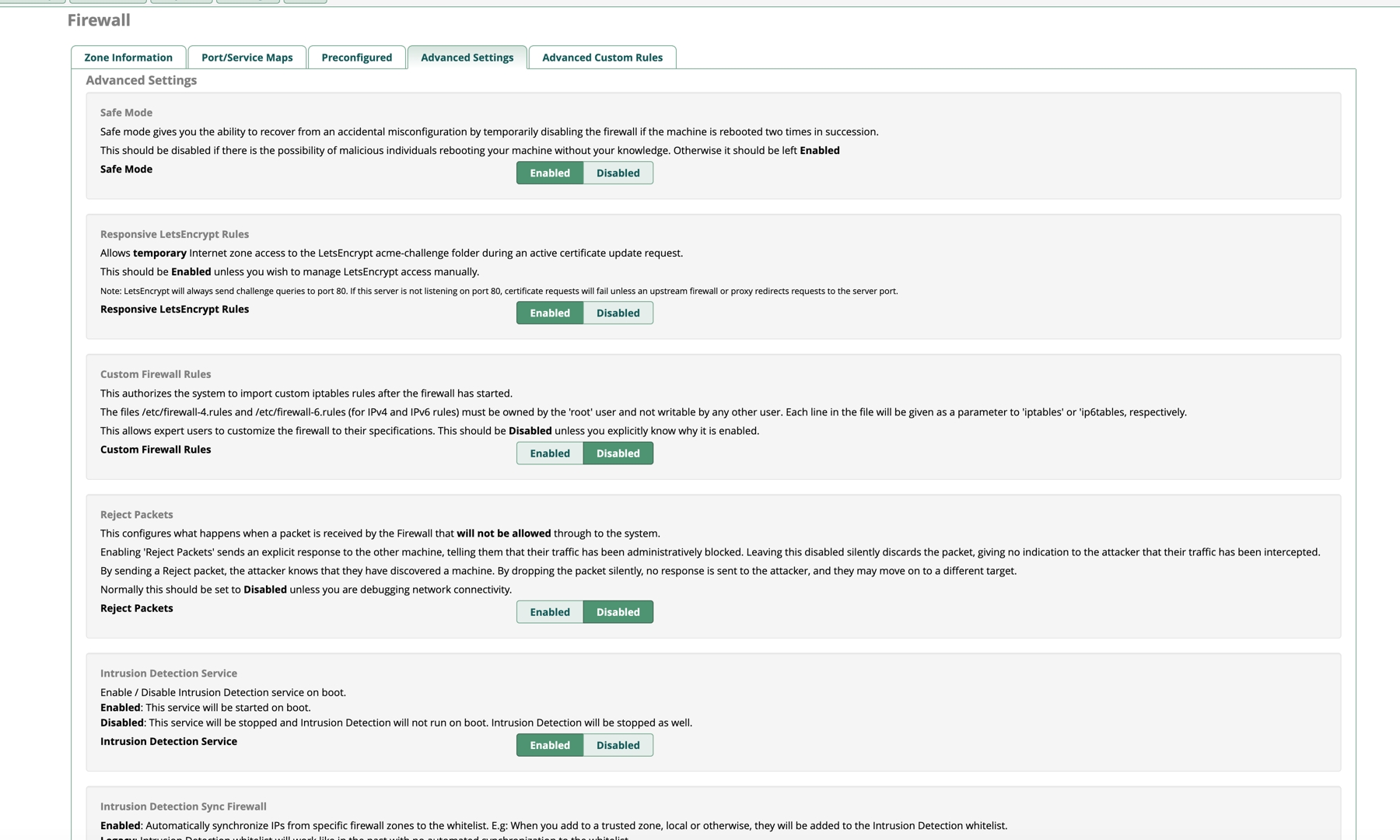
Port conflict blocking certificate issuance. FreePBX occupies port 80 by default, which stopped Caddy from starting and from requesting a Let’s Encrypt certificate. Fix: move FreePBX’s Apache to port 8080, freeing 80 and 443 for Caddy.
FreePBX’s stubborn redirect problem (the critical one). Even with the reverse proxy configured, visiting https://xx.com in the browser would have the address bar jump to http://xx.com:8080/admin/... — exposing the real backend port, and since it was plain HTTP, the browser flagged it as “not secure.”
The cause: FreePBX’s Apache has no idea it’s sitting behind a proxy. Whenever it needs to redirect (say, to the login page), it builds that redirect based on the port it thinks it’s listening on (8080), generating an HTTP 302 with a Location header that sends the browser straight back to port 8080.
My first attempt — adding X-Forwarded-Proto: https and X-Forwarded-Port: 443 headers — only fixed some of the internally-generated links; it couldn’t intercept the Location redirect Apache had already sent.
The actual fix#
Editing the Caddyfile to apply two things at once: spoofing the incoming request (telling FreePBX “the user came in over HTTPS on port 443, please cooperate”), and — the key move — rewriting the response: whenever Caddy gets a “go to :8080” redirect back from FreePBX, it forcibly rewrites it to the correct HTTPS address before passing it on to the browser.
The Caddyfile config that finally worked:
xx.com {
    # --- Traffic routing ---

    # 1. Route a specific path to the internal web service (8088)
    reverse_proxy /xx-path 127.0.0.1:8088 {
        header_up Host {host}
        header_up X-Real-IP {remote}
        header_up X-Forwarded-For {remote}
        # WebSocket support
        header_up Connection {http.request.header.Connection}
        header_up Upgrade {http.request.header.Upgrade}
    }

    # 2. Everything else routes to FreePBX (8080)
    reverse_proxy 127.0.0.1:8080 {
        header_up Host {host}
        header_up X-Real-IP {remote}
        header_up X-Forwarded-For {remote}

        # Tell the backend: this is an HTTPS request
        header_up X-Forwarded-Proto https
        header_up X-Forwarded-Port 443

        # The key fix: intercept and rewrite the Location header on the way back
        # Replace http://...:8080 with https://...
        # This is what actually stops the browser jumping to port 8080
        header_down Location http://xx.com:8080 https://xx.com
    }
}Results#
Visiting https://xx.com no longer jumps ports and stays on a clean HTTPS lock icon the whole way through. The path-based routing works correctly, with the internal service and FreePBX staying out of each other’s way. And since Caddy is now the only thing exposed, the firewall can fully block direct external access to ports 8080 and 8088, closing off that attack surface.
One thing to remember for later: SIP over TLS#
FreePBX’s SIP call encryption (TLS on 5061) doesn’t route through Caddy, but it can reuse the same certificate — copy the certificate Caddy obtained (from /var/lib/caddy/...) into /etc/asterisk/keys/, grant the asterisk user access to it, then enable TLS on port 5061 in the FreePBX panel.