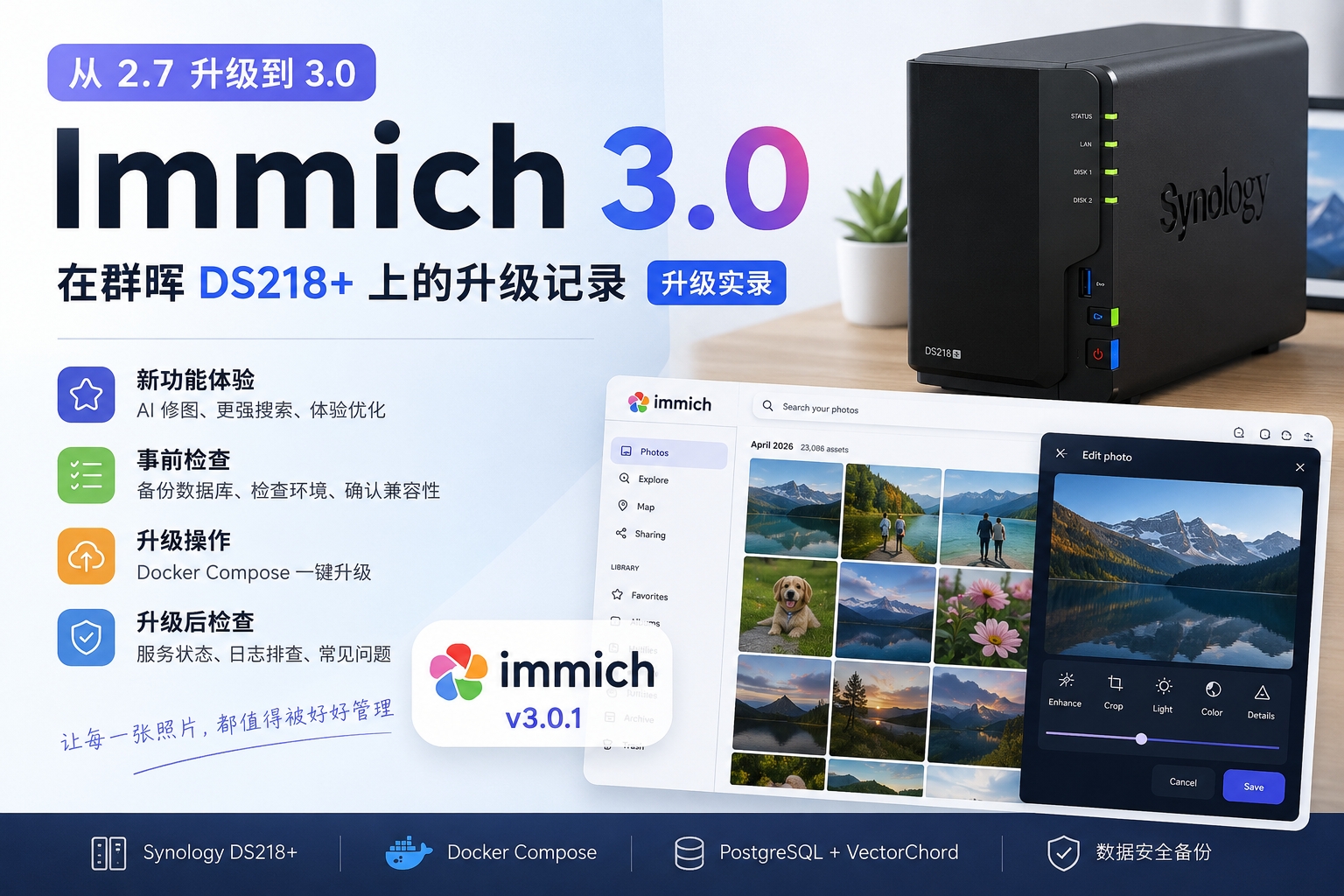
Saw yesterday that Synology had officially released DSM 7.4, and I was tempted for a moment.
That said, for my home DS218+, I’ve always followed one principle: stability trumps everything. This NAS already handles most of the services at home — Immich, Podsync, Tailscale, Docker, a dozen-plus containers — and I’d only just gotten everything stably debugged. If a system upgrade broke compatibility for some service, I could end up spending a lot more time tracking it down and fixing it.
So yesterday I couldn’t quite bring myself to pull the trigger.
Community feedback basically put my worries to rest#
This morning I spent some time looking at feedback on Reddit and various forums. What surprised me a bit was that people’s overall impression of DSM 7.4 was actually pretty good. The upgrade process generally went smoothly, with no widespread horror stories. Docker, virtual machines, and common packages all basically kept working fine, and quite a few users even said things like: “nothing changed after the upgrade — which is actually a sign it’s stable enough.”
What actually sparked the most discussion wasn’t DSM 7.4 itself, though — it was Synology’s restrictions on the new Storage Efficiency feature.
Storage Efficiency became the biggest draw#
I was originally just planning to wait and watch for a while. But while reading up on DSM 7.4’s new features, Storage Efficiency immediately caught my attention. It bundles online deduplication and space-optimization capabilities — for a NAS that stores photos, videos, and documents long-term, that looked pretty appealing.
Even though the DS218+ at home isn’t a particularly powerful model, I couldn’t help thinking: what if it’s actually supported?
So I decided to upgrade.
Jumping from DSM 7.2 to DSM 7.4#
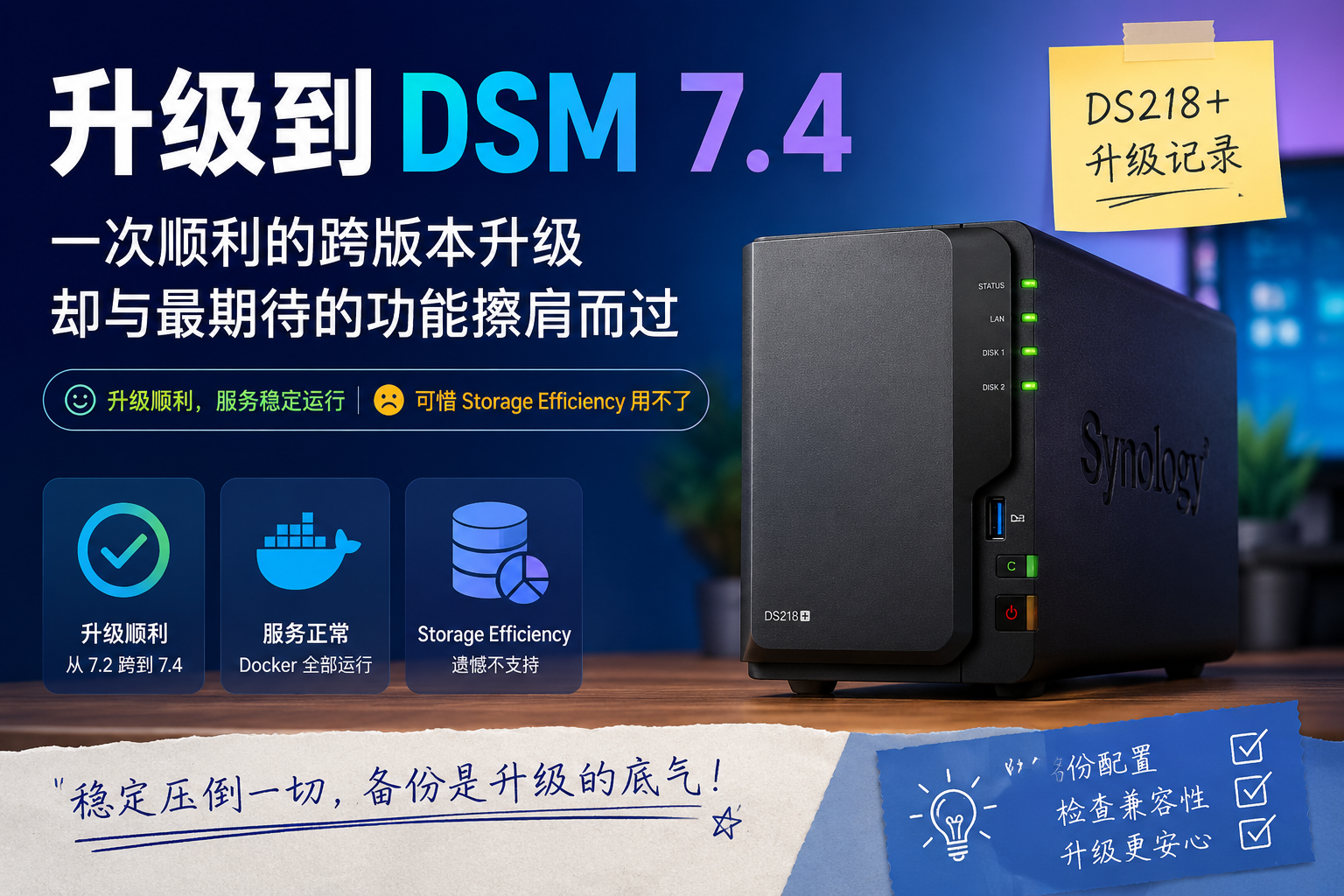
This was a cross-version upgrade. Before doing it, I did a configuration backup and confirmed all the Docker data was saved properly. Then I clicked upgrade.
The whole process went a lot more smoothly than I expected. The system automatically downloaded, installed, restarted, and migrated the configuration — every Docker container, shared folder, and network setting came through fully intact.
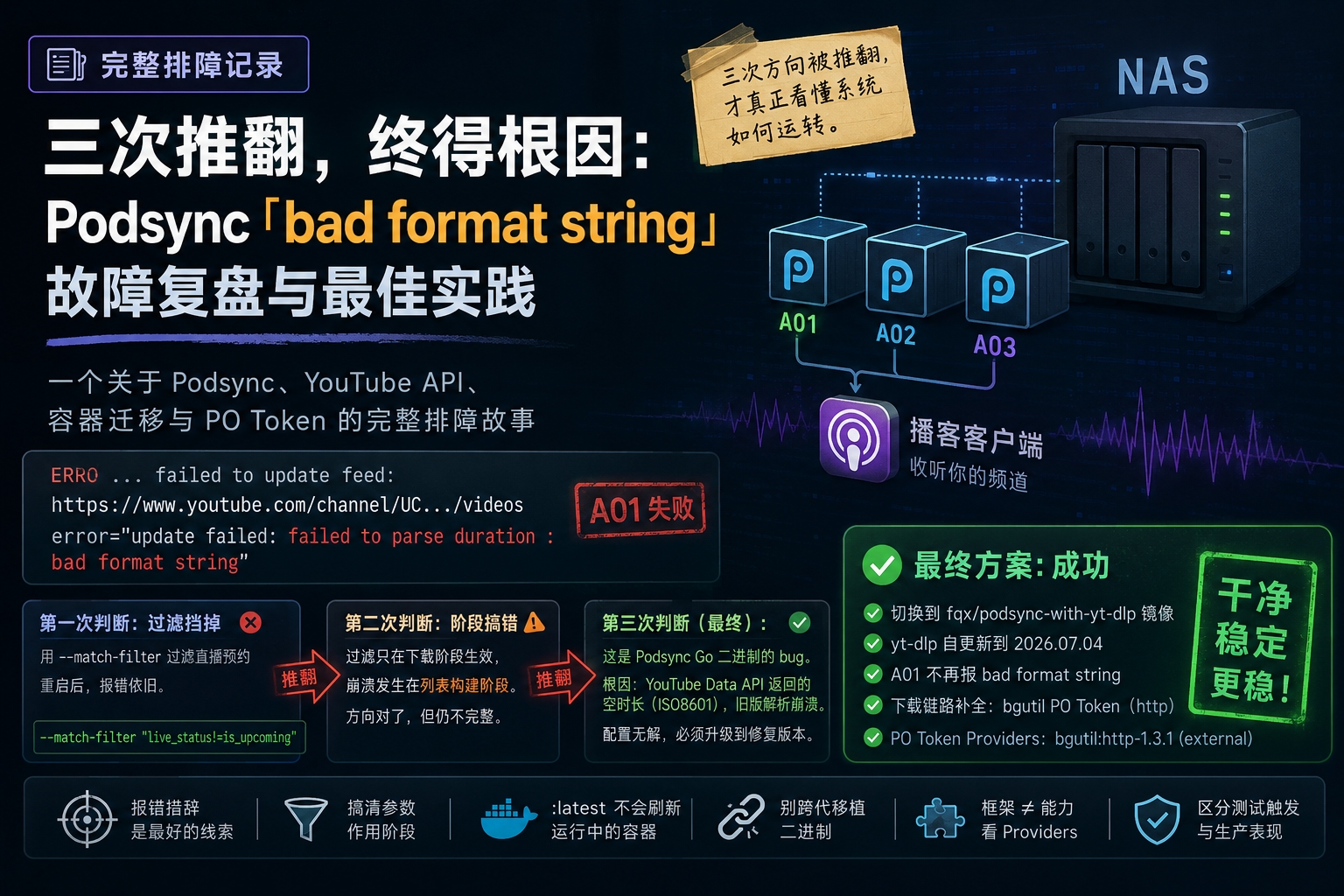
Once it was back up, I checked everything: all Docker containers started normally; Immich was accessible; Podsync was updating normally; Tailscale was online; and none of the other shared services were affected. The whole upgrade felt almost like a non-event.
Unfortunately, I got excited too soon#
The first thing I did after the upgrade finished was go try out Storage Efficiency. Once I opened Storage Manager, though, I found out: my DS218+ doesn’t support this feature at all.
Checking the official docs and community discussion afterward, I learned that Storage Efficiency doesn’t just require a newer model — it also has to satisfy a whole set of Synology restrictions around hardware platform and storage pool configuration, which locks out a lot of the classic older models.
So the thing I was most looking forward to from upgrading to DSM 7.4 ended up not happening after all. Kind of a letdown.
Closing thoughts#
Still, looking back, the upgrade was worth it. At the very least, DSM 7.4 turned out more stable than I expected — the whole process went off without a hitch, and everything I already had running kept working, which itself was reassuring.
As for Storage Efficiency, it’s really more a matter of Synology’s product strategy than the DS218+ genuinely lacking the horsepower for it. From the community discussion, people weren’t really complaining about DSM 7.4 itself — it’s more that an increasing number of new features are getting tied to newer models and official drives, which understandably frustrates a fair number of longtime users.
For me, the biggest takeaway from this upgrade wasn’t actually a new feature — it was confirming something else: as long as you back up properly ahead of time, a cross-version DSM upgrade is nowhere near as scary as it sounds.
As for that Storage Efficiency feature I never got to try, I suppose it’ll just have to wait for the next NAS.