The trigger: running Linux apps on a Windows VPS gets awkward#
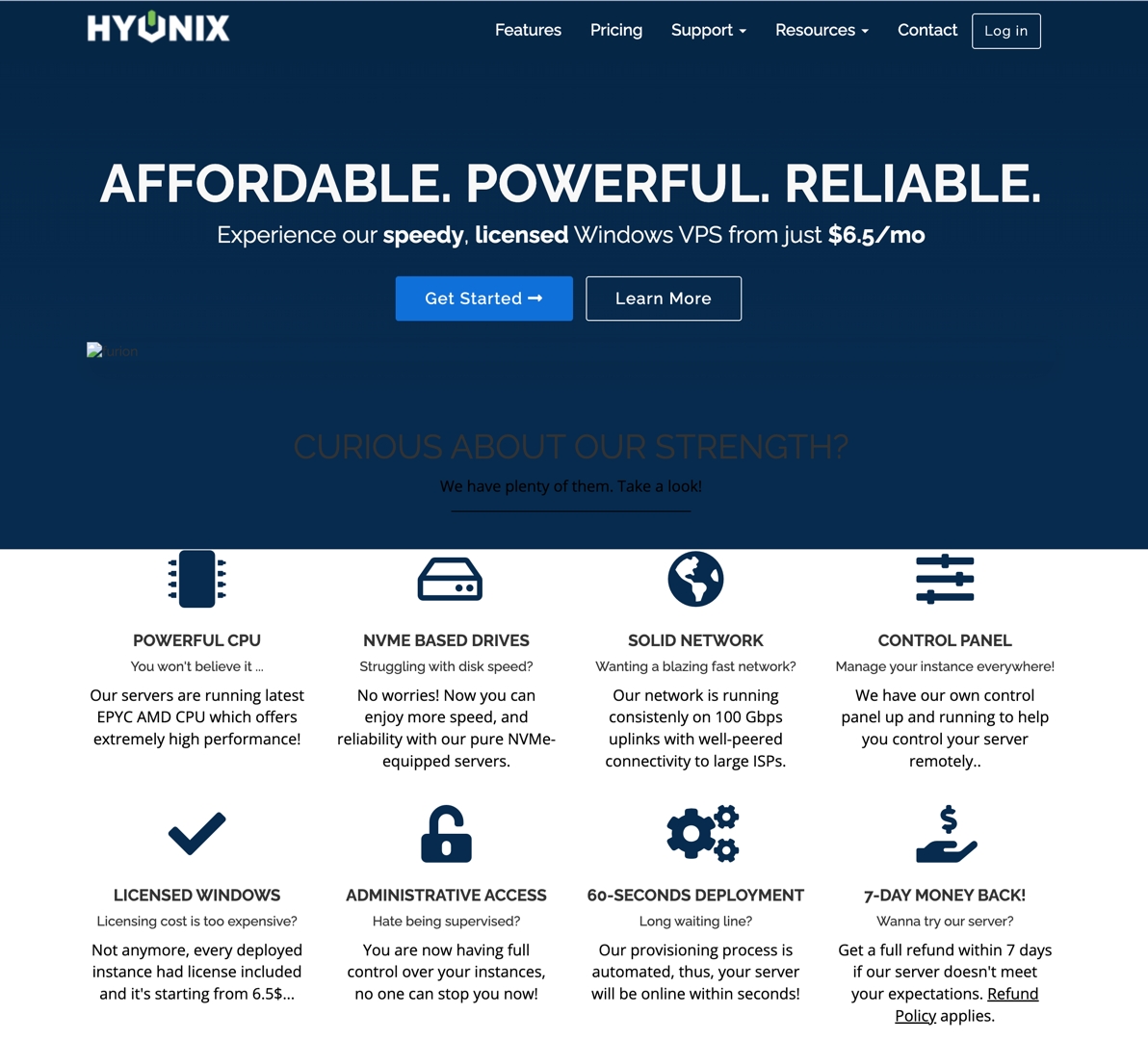
I needed a Linux environment, so my plan was to install WSL2 on my Hyonix VPS.
That hit a wall immediately: the install kept throwing errors, and it turned out my system version was 1809 — an early build of Windows Server 2019 that only supports WSL1 natively, not WSL2. Upgrading to a version of Windows Server that supports WSL2 wasn’t really an option either: after subtracting what the OS itself uses, my 25GB total disk space barely had anything left, nowhere near enough for a cross-version OS upgrade.
An unexpected break: doubling my space#
While searching around for “Hyonix low disk space,” I stumbled on a comment from someone mentioning that filing a support ticket could get your disk quota doubled.
Figured it was worth a shot — even though this box is an old one I bought back in 2022 — so I sent a support ticket in English. The response was genuinely impressive: support rep Nikkie replied fast, and despite this being a four-year-old machine, there was no pushback at all — they went ahead and bumped the disk quota straight from 25GB to 50GB at the underlying level.
Making Windows notice the new space#
Once the hardware-side expansion was done, Windows didn’t pick it up automatically. Logging in over RDP and opening diskmgmt.msc showed the extra 25GB sitting there as unallocated space. Right-clicking the C: drive and running “Extend Volume” fixed it instantly — the available space on C: jumped from a cramped 6GB back up to over 30GB.
Wrap-up and what’s next#
This experience left me with a lot more goodwill toward Hyonix as a provider — keeping ticket response times this good for an old, low-margin plan is worth sticking around and renewing for.
With double the space now, this box has a lot more room to grow. Once I get some time, I’m planning to properly upgrade the OS to Windows Server 2022 and turn it into my main utility machine.