Date: March 14, 2026 · System: VPS (s877652) / OpenClaw v2026.3.8 · Logged by: Wei
Background#
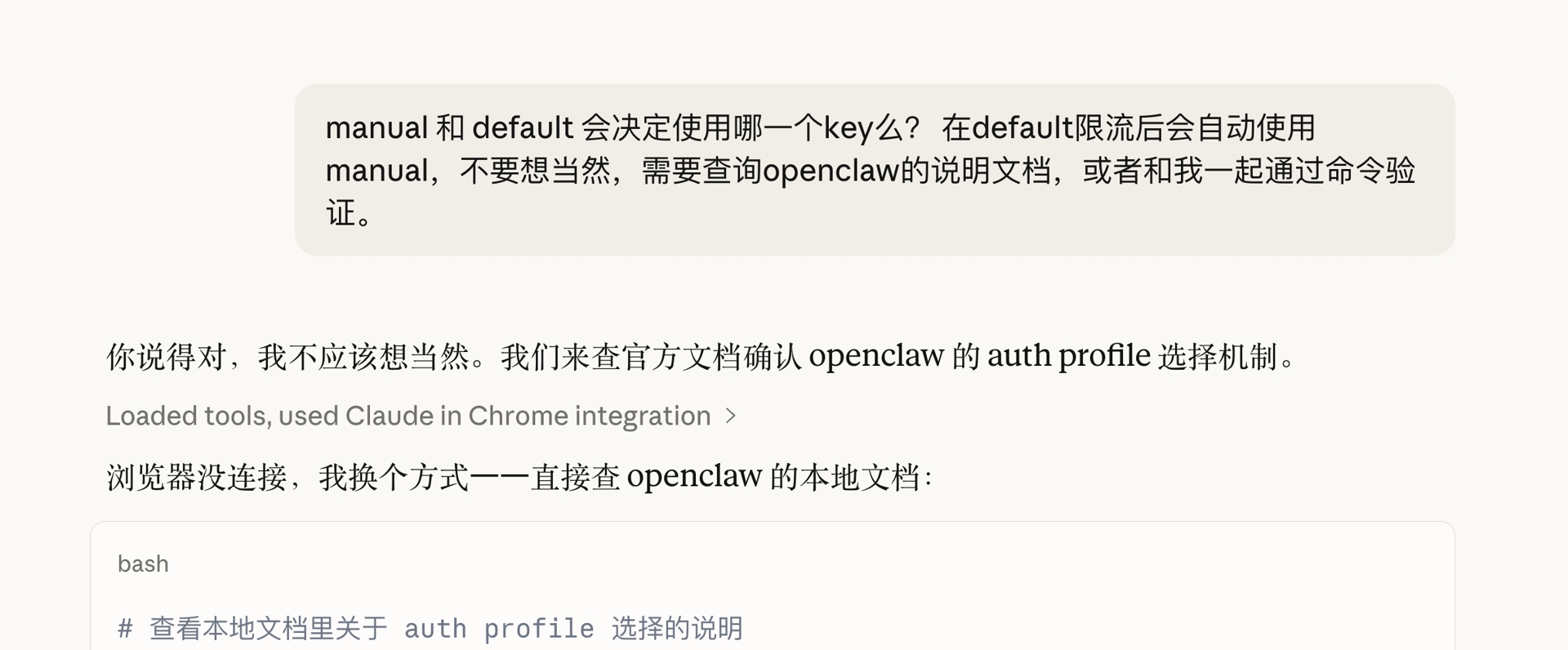
OpenClaw runs on a VPS, and lately it kept getting slow to respond to messages. I’d tried fixing it before by configuring multiple API keys — at one point I even had three configured — without much luck. Today it stopped responding again after sending a message, and I decided to actually get to the bottom of it. In earlier attempts I’d leaned mostly on whatever fix the model suggested; this time I specifically asked it to back up its recommendations against OpenClaw’s own official documentation, and the results felt noticeably more solid.
Initial troubleshooting#
Checking service status. Running systemctl status openclaw returned Unit openclaw.service could not be found, which I initially mistook for the service not being running.
The actual reason: OpenClaw’s systemd service is registered at the user level (~/.config/systemd/user/), so it needs systemctl --user instead:
systemctl --user status openclaw-gateway  # the correct way
systemctl --user status openclaw-node
Both processes were confirmed running (uptime: 2 days), with service files at /root/.config/systemd/user/openclaw-gateway.service and openclaw-node.service.
Reading the logs. Checking /tmp/openclaw/openclaw-2026-03-14.log turned up a few key errors:
| Time | Error type | Content |
|---|---|---|
| 20:22 | API rate limit | FailoverError: API rate limit reached |
| 20:27 | Telegram network drop | Network request for 'sendMessage' failed! |
| Repeated | HEARTBEAT edit failure | Could not find the exact text in HEARTBEAT.md |
| Repeated | Missing crontab command | crontab: command not found |
Immediate cause: the Gemini API hit its rate limit, jamming the task queue, compounded by a brief Telegram network interruption.
Digging deeper: the auth-profile mechanism#
Finding a missing registration. I had two Google API keys configured, google:manual and google:default (a planned third, google:third, was never actually written to the config). After the rate limit hit, the system threw FailoverError instead of automatically switching keys. Checking auth-profiles.json turned up the problem: google:manual existed in the secrets file, but clawdbot.json’s auth.profiles only had google:default registered — google:manual was missing.
Per OpenClaw’s official docs (/docs/concepts/model-failover.md), the rotation selection order is: an explicit auth.order config, then profiles registered under auth.profiles (this step was skipping the unregistered google:manual), then profiles stored in auth-profiles.json. So google:manual had never actually taken part in failover rotation at all.
Confirming session stickiness. Checking sessions/sessions.json showed:
"authProfileOverride": "google:default",
"authProfileOverrideSource": "auto"
OpenClaw pins an auth profile when a session starts and won’t proactively switch away from it for the rest of that session, unless: /new or /reset resets the session, compaction completes, or the current profile enters cooldown.
That explained why the system kept using google:default even after restarting the gateway — the session state file retained the pin, and a restart doesn’t clear it.
The round-robin mechanism. When a new session starts, OpenClaw picks a profile by: preferring OAuth over API-key auth, then — within the same type — picking whichever was least recently used based on usageStats.lastUsed, with anything in cooldown pushed to the back. Checking the data:
google:manual  lastUsed: 2026-01-29 10:39:31  (44 days ago)
google:default lastUsed: 2026-03-14 21:07:36  (today)
Even after fixing the registration issue, google:manual still wasn’t getting picked because of session stickiness — a /new reset was needed to actually trigger round-robin re-selection.
How switching behaves after a rate limit. Within the same session: hitting a rate limit triggers cooldown (exponential backoff: 1 minute → 5 minutes → 25 minutes → 1 hour), auto-switches to the other key, and then stays on that key rather than switching back on its own. After a session reset: round-robin re-selects based on lastUsed, picking whichever key has sat idle longest. If both keys are rate-limited: it throws FailoverError and falls into the model-fallback flow.
What I changed#
Refreshed the google:manual key — the old one had expired, so I requested a new one and updated auth-profiles.json.
Registered google:manual in clawdbot.json, adding it to auth.profiles so it actually participates in failover rotation:
"auth": {
  "profiles": {
    "google:default": { "provider": "google", "mode": "api_key" },
    "google:manual":  { "provider": "google", "mode": "api_key" }
  }
}
Removed the explicit auth.order to let OpenClaw’s native round-robin mechanism balance the two keys automatically, switching via cooldown after a rate limit.
Restarted the service to apply everything:
systemctl --user restart openclaw-gatewayLessons learned#
systemctl --user is the key detail — OpenClaw’s service is registered at the user level, so system-level commands simply won’t find it. A key existing in the secrets file doesn’t mean it’s actually in effect — writing a key to auth-profiles.json isn’t enough on its own; it also has to be registered under auth.profiles in clawdbot.json to actually participate in failover. Session stickiness is by design — restarting the service doesn’t reset the session pin; you need to actively send /new to trigger round-robin to pick again. And switching after a rate limit is one-directional — once it switches within a session, it won’t switch back on its own until the next session reset.